

Website Development
Your website is often the first place a potential customer meets your business. It should explain clearly what you do, build trust and make the next step — a call, an inquiry or a booking — effortless.
Different goals call for different types of website. Below are the options we build, with practical examples to help you choose.
Corporate Websites
A corporate website is your company's official presence online — the place where partners, customers and future employees check who you are before they get in touch.
How it helps your business
It answers the questions people would otherwise call about: what you do, which products or services you offer, where you operate and how to reach you. Your team gets a credible reference to share instead of explaining everything by email.
A practical example
A manufacturing company can present its production capabilities, product lines and company information to partners at home and abroad — in one clear, professional place.
What it usually includes
- A homepage that introduces the company.
- About, services or products pages.
- Projects or references, where available.
- Contact details and an inquiry form.
- A mobile-friendly layout and a search-ready technical setup.
Who it suits
Manufacturers, distributors, construction companies, healthcare providers, consultancies and any organisation that needs to present itself clearly and professionally.
Typical scope and timeline
A smaller corporate project often means 5–8 pages, one language and a contact form, built in roughly 2–5 weeks once content is ready. This is an illustration, not a fixed package — the final scope and timeline are agreed after an initial review.
Landing Pages
A landing page is built for one goal: turning visitors from a campaign, an ad or a product launch into inquiries, sign-ups or orders.
How it works
Instead of presenting the whole company, the page focuses on a single offer. Everything on it — the headline, images, benefits and answers to common questions — leads to one clear action.
A practical example
A business launching a new product can explain what makes it different, show it in photos, list the key benefits and let interested customers request more information or order early.
What it usually includes
- A clear headline for the offer.
- Photos or a visual presentation.
- Key benefits and product or service details.
- Answers to frequently asked questions.
- One clear call to action, with a form if needed.
When it makes sense
For advertising campaigns, promotions, new products, events, collecting leads or testing a new offer before investing further.
Typical scope and timeline
Usually one page with 5–7 sections and a contact form, in roughly 3–10 working days depending on materials and features.
Product Catalog Websites
A product catalog website lets customers browse your full range online — organised by category, with photos, descriptions and specifications — and contact you about the products that interest them.
How it differs from an online store
A catalog presents products and collects inquiries; it needs no cart or online payment. It suits businesses that sell in person, by quote or through partners, and it can grow into an online store later.
A practical example
A jewellery retailer can show rings, necklaces, watches and perfumes. Visitors choose a category, compare pieces and ask about price, size or availability without calling the shop.
What it usually includes
- Categories and a product gallery.
- A page for every product, with photos and details.
- Search and filters, where agreed.
- An inquiry or quote request form.
- An admin panel for adding products, if included.
Who it suits
Retailers, manufacturers, importers, distributors and any company with a larger product range.
Typical scope and timeline
For example, 5 categories and up to 100 products, in roughly 3–6 weeks depending on the number of products, how they are entered and the features required.
Multilingual Websites
A multilingual website lets international partners and customers read about your business in their own language — which makes your offer easier to understand and your company easier to trust.
How it works
Visitors choose a language from the menu and the whole site follows: navigation, headings, page content, forms and system messages. Every language version is prepared properly, not just the buttons.
A practical example
A Macedonian company working with partners abroad can offer Macedonian, English and German versions, so each market sees the same information, clearly presented.
When it makes sense
When you work with foreign clients, export products, offer tourism services or want to present yourself in several markets. Multiple languages can be added to company websites, catalogs and online stores.
What you get
The agreed language versions, with a language switcher and matching navigation. Who provides the translations and enters the content is defined in the proposal.
Website Redesign
A redesign brings an existing website up to date — clearer, easier to use on a phone and more convincing — so it supports your business instead of holding it back.
How it works
It doesn't always mean starting over. Sometimes the design, navigation, structure and mobile layout need improving; sometimes the technical foundation needs rebuilding too. We start by reviewing the current site and agreeing what to keep, improve or replace.
A practical example
A dental clinic with small text, a dated look and hard-to-use mobile navigation can gain clearly presented services, a better gallery, prominent contact details and a simple way to request an appointment.
What can be improved
- Visual design and content layout.
- Navigation and mobile usability.
- Speed and technical structure, where part of the project.
- Contact and appointment forms.
- Accessibility and page structure.
Typical timeline
Roughly 2–6 weeks for a small or medium project, depending on the changes needed.
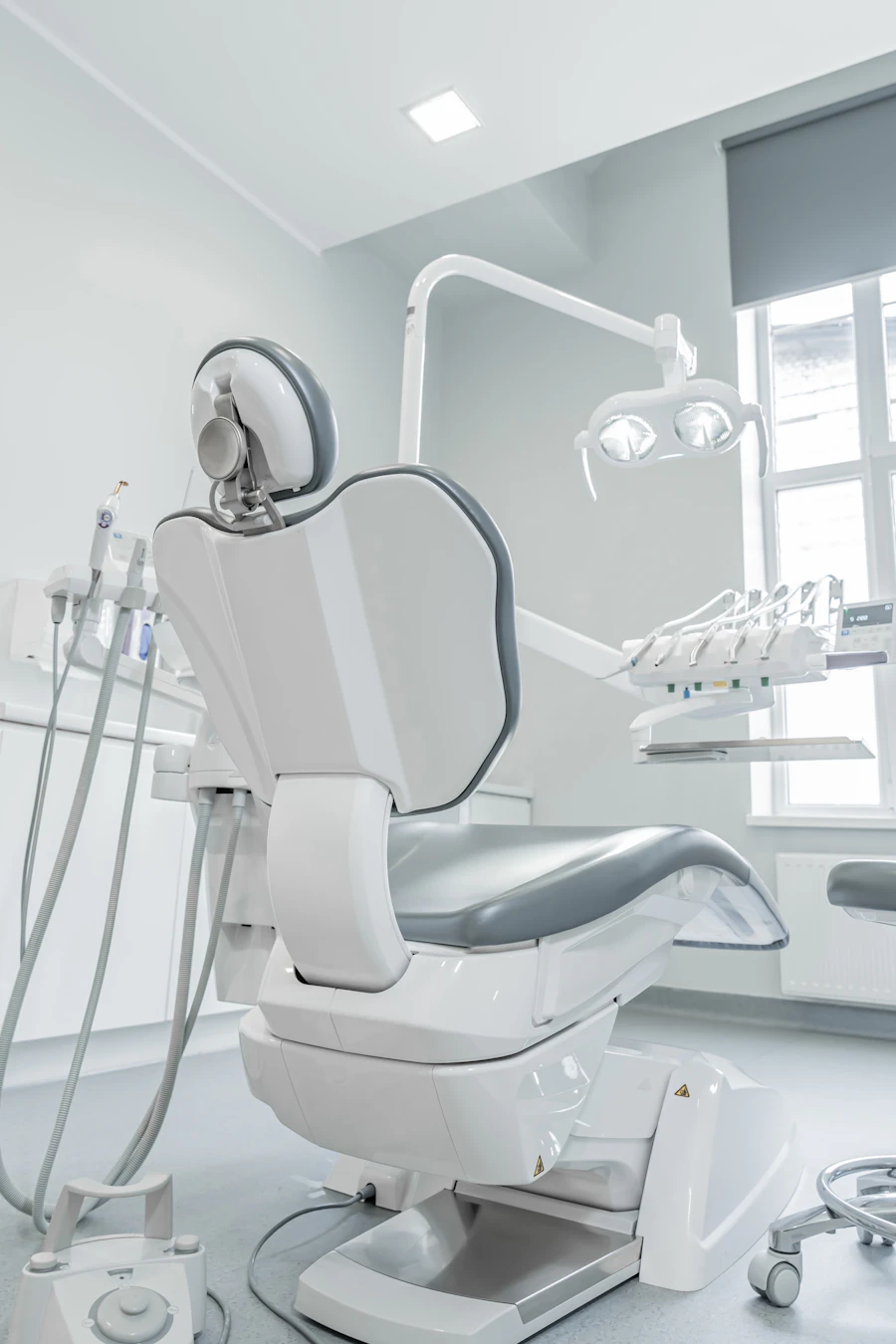
Websites with Online Booking
A website with online booking lets customers reserve an appointment whenever it suits them — without phone calls — while you keep your schedule organised in one place.
How it works
Customers choose a service, see the available days and times and confirm a slot. Unlike a simple contact form, a real booking system works with your calendar, working hours and availability, so only free slots can be booked.
A practical example
A barbershop offers haircuts, beard trims and other services. A customer picks a service and a free slot from their phone, and the owner or staff see every booking in the business calendar.
What it can include
- Services with their duration.
- A calendar with available slots.
- Working hours management.
- An admin overview of bookings.
- Notifications and customer accounts, where needed.
XBOOK
GT Web Studio develops its own booking platform, XBOOK. If its current features fit your business, it can be part of your solution; more specific requirements are assessed separately.